Turn Any Photo into a Tattoo Stencil
Upload a photo and get clean, transfer-ready linework in seconds.
What people make with it



How it works
Islands and bridges
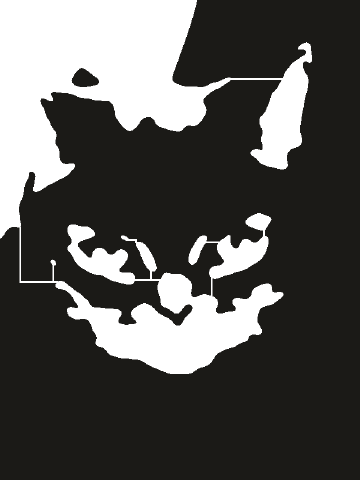
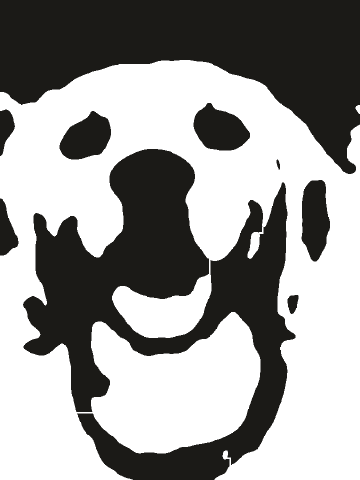
An island is a white area that is completely surrounded by black, like the middle of the letter O or the highlight in an eye. When you cut the stencil, that piece has nothing holding it and falls out. A bridge is a thin strip that connects it to the rest of the stencil, so the design stays intact. Fix all adds bridges for you.
Questions
PNG and PDF exports are free, in full resolution, with no watermark. SVG and DXF files for cutting machines need a 7-Day Pass or Lifetime unlock. Both are one-time payments.
No. Your photo is processed in your browser and never leaves your device.
Some white areas are completely surrounded by black. When you cut them, they drop out. Fix all adds thin bridges so every piece stays attached.
Use SVG. Multi-layer stencils import with each layer as its own group.
Yes. It works in current versions of Safari and Chrome on iPhone and Android.
Yes. See our Refund page for the details.